In competitive gaming, precision can make the difference between victory and defeat. Every aspect of a gaming setup, from mouse sensitivity to desk layout, contributes to performance. One factor that is often overlooked but crucial for accurate gameplay is the surface texture of your mousepad. Different textures influence how your mouse moves, how sensors respond, and how comfortable long sessions feel. For FPS and MOBA games, where every movement counts, this can directly impact in-game control.
Why Surface Texture Matters for Gamers
The first element to consider is how the mouse physically interacts with the pad. Smooth textures allow the mouse to glide faster, while rougher textures offer more resistance. Players who rely on rapid flicks and swift reflexes benefit from smoother surfaces because less friction allows faster hand movement. Conversely, those who focus on precision aiming, like snipers in FPS games or skill-shot-based heroes in MOBAs, often prefer a textured surface that provides more tactile feedback. This gives finer control over small movements, reducing overshoot errors.
How Texture Affects Mouse Sensors
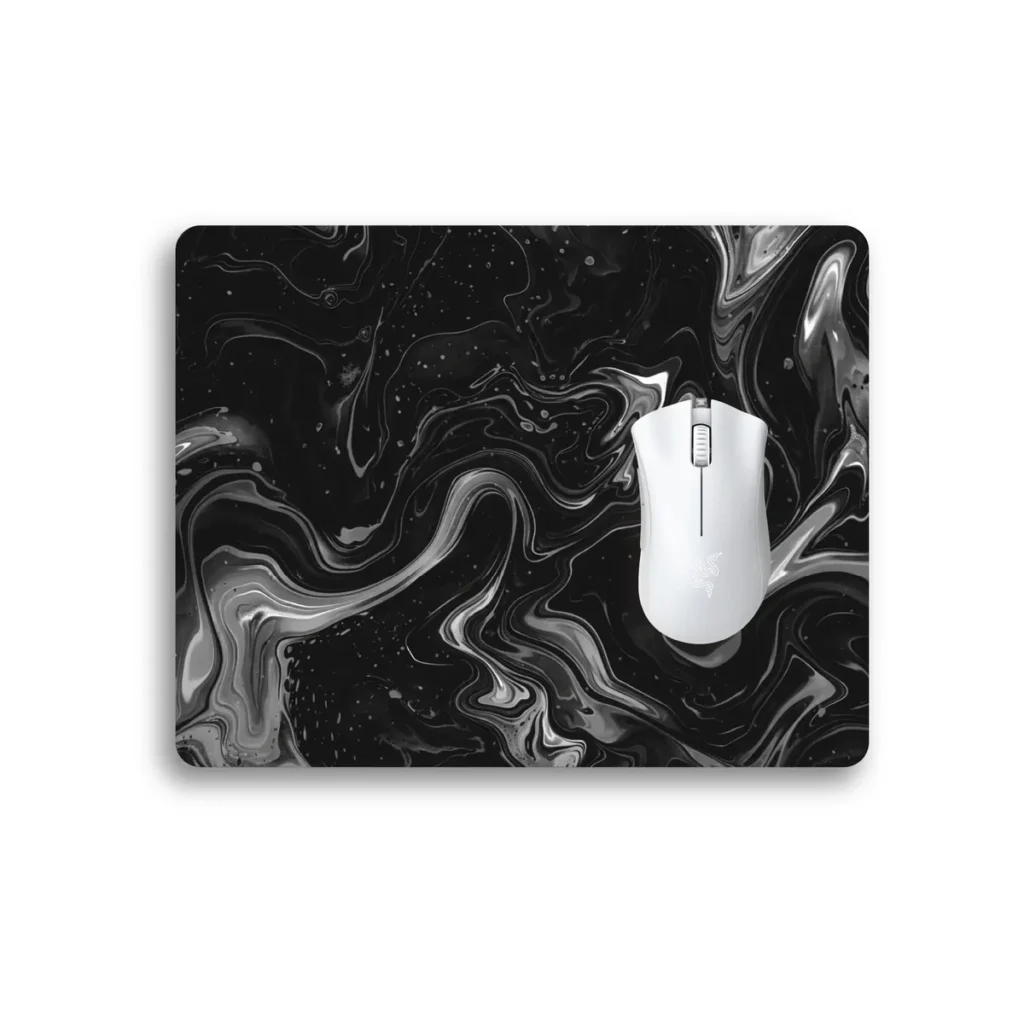
A high-quality mouse sensor performs best when it can read the surface consistently. A surface that is too reflective or uneven may cause jitter, skipping, or inconsistent tracking. This is where a Control Mousepad becomes essential. Designed specifically for accuracy, these pads use a balanced surface that improves sensor readability while maintaining smooth gliding. This allows gamers to achieve precise aiming and reliable movement, particularly in high-stakes matches where accuracy is critical.
Finding the Balance Between Speed and Precision
Gamers often face the challenge of balancing fast movements with precise control. Pads designed with medium texture density can offer this balance. They allow smooth glides without sacrificing feedback. Competitive players sometimes test different surfaces to match their playstyle and sensitivity. Low sensitivity players usually need larger pads with controlled textures to avoid running out of space, while high sensitivity players might prefer smaller, smoother surfaces.
Comfort and Ergonomics for Long Sessions
Control is not just about aim; it’s also about comfort. Extended play sessions in FPS and MOBA games can strain the wrist and forearm. A mousepad with the right texture, combined with a soft rubber base, keeps the pad stable while cushioning the wrist. Some gamers opt for extended pads that cover both the mouse and keyboard area, providing a consistent surface that supports ergonomic alignment. This can reduce fatigue and improve control over long sessions.
Personalization and Aesthetic Considerations
For streamers and content creators, surface texture does not need to compromise style. Many brands, including PadLab, allow customizable printing on high-performance pads. Gamers can add personal branding, team logos, or themed graphics while maintaining optimal texture for control. This ensures that the desk remains visually appealing without affecting gameplay accuracy.
The Role of Desk Space in Performance
While texture is critical, the surrounding desk environment also plays a significant role. A cluttered or uneven desk can interfere with consistent mouse movement, even on a high-quality pad. Using extended surfaces like desk mats helps maintain a uniform plane, giving the mouse an uninterrupted glide across the playing area. These mats provide stability, protect the desk from wear, and allow more space for keyboard and accessory placement, which is especially useful for hybrid setups where gaming and work occur on the same surface.
Tips for Selecting the Right Surface
- Test different textures to match your playstyle. FPS players might prefer smoother glides, while MOBA players benefit from tactile control.
- Ensure the pad has a consistent material composition to avoid sensor errors.
- Consider the size of the pad relative to desk space and movement range.
- Look for stitched edges and high-density surfaces for durability.
- For a clean desk setup and uninterrupted movement, combine your mousepad with a large desk mat.
FAQs
How does a textured mousepad improve FPS accuracy?
A textured surface provides tactile feedback, allowing for precise micro-movements and reducing overshoot errors during critical shots.
Can a smoother mousepad improve reaction time?
Yes, smooth surfaces reduce friction, allowing faster hand movements, which is useful for flick shots and rapid reflex actions.
Should a mousepad and desk mat match in material and size?
While not required, using a desk mat with consistent texture under your mousepad ensures a stable glide area and supports ergonomic placement of other accessories.