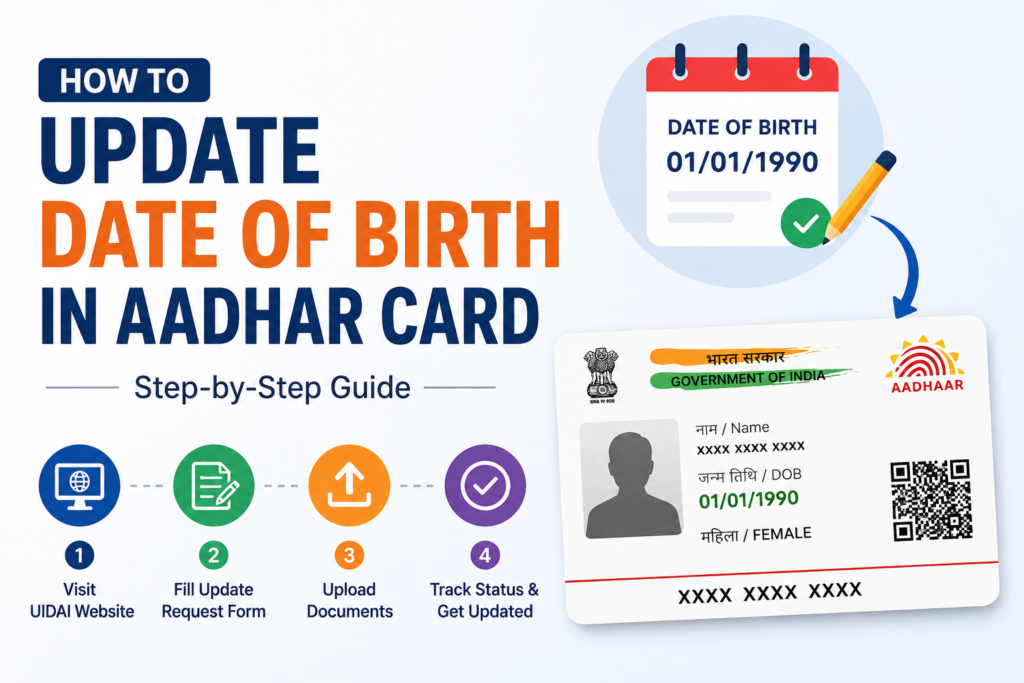
How to update date of birth in aadhar card
Updating your Aadhaar card is an essential process, especially when your date of birth (DOB) is incorrect. The Aadhaar card serves as a significant identity proof in India, and ensuring that all the information is accurate is crucial. If you’re wondering how to update the date of birth in your Aadhaar card, this article will guide you through the necessary documents and the updating process.
Understanding the Importance of Aadhar Card
The Aadhaar card holds immense importance in India. It serves as proof of identity and is required for various services, including banking, government schemes, and more. Therefore, it’s imperative that all details, including your date of birth, are correct. An incorrect date of birth can lead to several inconveniences when verifying your identity.
Understanding how to update date of birth in aadhar card is important for ensuring that your identity records remain accurate and are accepted across various official and financial processes.
Common Scenarios for Updating Date of Birth
There could be several reasons why you need to update your date of birth in your Aadhaar card. Some common scenarios include:
- Mistakes in Initial Registration: Errors may occur during the initial registration of your Aadhaar.
- Legal Name Change: If your name or surname has changed due to marriage or other reasons, it might require a DOB update.
- Children’s Aadhaar: Parents may need to update children’s Aadhaar cards as they grow older.
Regardless of the reason, updating your date of birth in your Aadhaar card is a straightforward process.
How to Update Date of Birth in Aadhaar Card?
The process of updating your date of birth in your Aadhaar card can be done both online and offline. Below are the steps for both methods:
Online Method
- Visit the UIDAI Website: Go to the official UIDAI website (https://uidai.gov.in).
- Select the ‘Update Aadhaar’ Option: Click on the ‘My Aadhaar’ section, and select ‘Update Aadhaar.’
- Authentication: You will need to enter your Aadhaar number or VID and complete the Captcha verification.
- Select Update Date of Birth: Choose the option to update your date of birth from the list of details.
- Upload Supporting Documents: You will need to upload the required documents verifying your date of birth.
- Submit Request: After confirming all information is correct, submit the request. You will receive an Update Request Number (URN) for tracking.
Offline Method
- Visit an Aadhaar Enrollment Center: Locate a nearby Aadhaar enrollment center through the UIDAI website.
- Fill Out the Update Form: Obtain the Aadhaar Correction/Update form and fill it out with the necessary details.
- Provide Supporting Documents: Attach copies of the required documents that support your request for updating your date of birth.
- Submit Your Application: Hand over the filled form and documents to the personnel at the center. You will receive a receipt that allows you to track the progress of your request.
Required Documents for Updating Date of Birth
To update your date of birth in your Aadhaar card, it’s essential to submit the correct documents. The following documents are accepted as proof of your date of birth:
- Birth Certificate: A government-issued birth certificate is one of the most reliable documents.
- Matriculation Certificate: This can also serve as a proof of DOB, provided it includes your date of birth clearly stated.
- Passport: A valid passport with your date of birth can be used to verify your age.
- Government Issued ID: Documents issued by a government body that state your date of birth can also be accepted.
- Medical Records: If available, these can support your request, especially for children.
Ensure that any document you submit is a clear photocopy and, if possible, carry the original for verification purposes.
Tracking Your Update Request
After you have submitted your update request, you can track its status. To do this:
- Go Back to the UIDAI Website: Navigate to the ‘Check Aadhaar Status’ option.
- Enter Your URN: Input the Update Request Number (URN) you received after submitting your update request.
- View Status: Click on ‘Check Status’ to see the current status of your request.
Updates can take between a few hours to several days, so check back frequently.
Aadhaar Card Download Online
After your date of birth has been successfully updated, you might want to download your updated Aadhaar card. Follow these steps for online download:
The aadhar card download online facility allows users to conveniently access their updated Aadhaar details digitally after the successful completion of the update process.
- Visit the UIDAI Website: Go to the official website.
- Select ‘Download Aadhaar’: Click on the ‘Download Aadhaar’ option and enter your details.
- Enter Your Aadhaar Number or URN: Provide your 12-digit Aadhaar number or URN along with the Captcha verification code.
- Receive OTP: Your registered mobile number will receive a One-Time Password (OTP). Enter it for verification.
- Download: Once verified, you will be able to download your updated Aadhaar card in PDF format.
Conclusion
Updating the date of birth in your Aadhaar card is vital for maintaining accurate identity records and avoiding issues in the future. By following the steps outlined above and providing the necessary documents, you can ensure a smooth updating process. Whether you choose to update your Aadhaar card online or offline, it’s your responsibility to keep your details accurate.
Remember, an updated Aadhaar card is crucial not just for identity verification but also to avail of various services and schemes that require proper documentation. Make sure to keep your Aadhaar information up to date, and feel free to reach out to UIDAI for any additional assistance or queries. Your identity matters—ensure it’s correct!