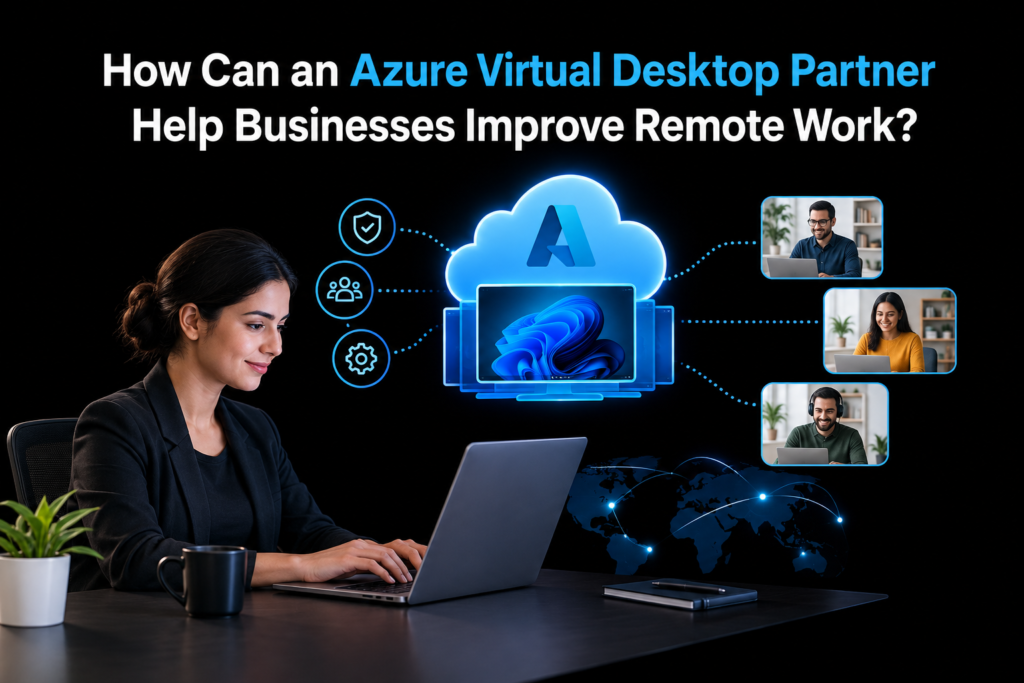
Remote work allows businesses to hire talent from different locations, support flexible schedules, and maintain operations outside traditional offices. However, companies must provide employees with secure access to applications, business files, and desktop environments without creating unnecessary IT challenges. Microsoft Azure Virtual Desktop offers a cloud-based solution that helps organizations deliver Windows desktops and applications to users across different devices.
An Azure Virtual Desktop partner helps businesses set up and manage cloud-based desktops for remote teams. Apps4Rent assists organizations with deployment, configuration, and ongoing management, helping employees access essential applications securely while supporting productivity and reliable remote work.
What Is Azure Virtual Desktop?
Azure Virtual Desktop (AVD) is a Microsoft cloud service that delivers virtual Windows desktops and applications to authorized users. Instead of relying entirely on a physical office computer, employees can access their work environment through supported devices and remote connections.
Businesses can use AVD to provide employees with consistent desktop experiences while keeping important applications and data within a centrally managed environment. IT teams can manage access, configure resources, and apply security policies based on company requirements.
This approach suits organizations with remote employees, hybrid teams, contractors, branch offices, and staff who need access to specialized business applications. Companies can also use AVD to support temporary workers without purchasing a dedicated physical computer for every user.
1. Simplifying Remote Desktop Deployment
Setting up a virtual desktop environment involves several technical decisions. Businesses must select suitable virtual machines, configure networking, establish user access, and determine how applications will operate in the cloud.
An Azure Virtual Desktop partner helps organizations plan these requirements before deployment. The provider can assess the company’s workforce, application needs, existing infrastructure, and security policies to develop a suitable configuration.
A partner can assist with tasks such as:
- Selecting appropriate virtual machine sizes and configurations.
- Configuring host pools and session hosts.
- Setting up user profiles and desktop access.
- Connecting Microsoft Entra ID and other required identity services.
- Testing applications before employees begin using the environment.
- Preparing deployment and recovery procedures.
This structured approach reduces configuration errors and helps employees access the tools they need from the beginning.
2. Providing Secure Access to Business Applications
Security remains a major concern when employees work outside the office. Public Wi-Fi, personal devices, weak passwords, and poorly managed permissions can expose business systems to unnecessary risks.
Azure Virtual Desktop gives organizations options for controlling access to desktops and applications. However, companies must configure these controls correctly to achieve meaningful protection.
A qualified partner can help implement multifactor authentication, role-based access control, conditional access policies, and other identity protections where appropriate. The provider can also review network access, session settings, and permissions to reduce unauthorized access.
Businesses can apply additional controls to protect sensitive information. For example, administrators may restrict clipboard transfers, printing, or local drive redirection for specific user groups when their security requirements justify those restrictions.
A partner can also help establish monitoring procedures and security reviews. These measures give IT teams better visibility into access patterns and help them respond to potential issues.
3. Improving Employee Productivity
Employees need reliable access to their applications and files to complete daily tasks. Slow desktops, application errors, and repeated login problems can interrupt work and reduce productivity.
An Azure Virtual Desktop partner can assess workload requirements and configure the environment to support employee activities. For example, accounting teams may need business and financial applications, while design teams may require more computing power for demanding workloads.
The provider can evaluate processor requirements, memory capacity, storage performance, and network conditions before recommending suitable configurations.
Partners can also help businesses create standardized desktop images with approved applications and settings. This reduces differences between employee environments and makes it easier for IT teams to maintain consistent configurations.
When employees experience technical problems, a support provider can investigate connection failures, application performance, profile issues, and resource shortages. Faster troubleshooting helps employees return to their work with fewer interruptions.
4. Controlling Cloud Costs
Cloud desktop environments can create unnecessary expenses when businesses allocate more resources than employees need or leave unused resources running.
A partner can review expected workloads, user schedules, and application requirements to develop a cost-conscious deployment plan. The provider may recommend different virtual machine configurations for different employee groups instead of assigning the same resources to everyone.
Cost management strategies may include:
- Using autoscaling where supported and appropriate.
- Scheduling virtual machines to shut down outside working hours.
- Reviewing CPU, memory, and storage utilization.
- Removing unused resources and outdated configurations.
- Evaluating reserved capacity or savings plans when usage patterns justify them.
- Monitoring Microsoft Azure consumption and licensing costs.
Businesses should also account for licensing, storage, networking, backup, and support expenses when calculating the total cost of ownership.
A partner can help identify areas where spending exceeds actual requirements. Regular reviews allow organizations to adjust capacity as their workforce and application needs change.
5. Supporting Flexible and Hybrid Work Arrangements
Remote and hybrid employees may work from home, travel, or visit different office locations. They need a consistent way to access authorized business resources without depending on one physical workstation.
Azure Virtual Desktop supports remote access to virtual desktops and applications through compatible devices and supported client options. Employees can use laptops and other approved endpoints to connect to their assigned work environment.
An experienced partner can configure user access according to job responsibilities and company policies. The provider can also help establish access procedures for new employees, contractors, and temporary staff.
For example, a business can assign an accounting application to its finance team without giving every employee access to the same resources. When a contractor finishes a project, administrators can remove the contractor’s permissions without retrieving a company-owned desktop.
This flexibility helps businesses manage distributed teams while maintaining centralized control over their computing environments.
6. Simplifying IT Administration
Managing individual computers across several locations can create a substantial workload for internal IT teams. Administrators must maintain software versions, apply security updates, troubleshoot issues, and manage employee access.
An Azure Virtual Desktop partner can help centralize desktop administration and establish repeatable maintenance procedures.
The provider may assist with desktop image management, application deployment, user provisioning, patch planning, and performance monitoring. These practices help IT teams maintain consistent environments and reduce repetitive administrative tasks.
Partners can also document system configurations, access procedures, and troubleshooting steps. Clear documentation helps internal teams handle routine issues and supports continuity when staff members change roles.
Businesses should agree on support responsibilities before deployment. A service agreement can specify response times, escalation procedures, maintenance windows, and the tasks handled by the provider versus the internal IT department.
7. Helping Businesses Migrate to the Cloud
Some organizations still rely on local servers, office-based desktops, or legacy applications. Moving these workloads to a virtual desktop environment requires careful planning because applications may depend on specific operating systems, network connections, or hardware resources.
An Azure Virtual Desktop partner can assess the existing infrastructure and identify potential migration challenges. The provider can evaluate application compatibility, user profiles, data access requirements, identity systems, and network dependencies.
A phased migration often works better than moving every department at once. Businesses can begin with a small user group, test important applications, collect employee feedback, and address technical issues before extending access to additional teams.
The partner can also help prepare rollback procedures and user training materials. These preparations reduce disruption and give employees time to adjust to the new work environment.
8. Maintaining Performance and Service Reliability
Remote work depends on dependable access to business applications. Network delays, overloaded virtual machines, storage limitations, and profile problems can affect the user experience.
A partner can establish monitoring practices that track connection quality, resource consumption, session performance, and service health. These indicators help IT teams identify problems before they affect a large number of employees.
The provider can also review host pool capacity and session distribution to prevent individual resources from becoming overloaded. Where suitable, administrators can adjust scaling rules and virtual machine configurations as demand changes.
Businesses should also define backup and disaster recovery requirements. Microsoft Azure provides various infrastructure and data protection services, but companies must select and configure the appropriate options for their workloads. A partner can help design recovery procedures, establish recovery objectives, and test those procedures regularly.
These measures help organizations prepare for technical failures and maintain access to important business resources.
9. Choosing the Right Azure Virtual Desktop Partner
The provider a business selects can affect deployment quality, security, and long-term operating costs. Companies should evaluate technical capability and service responsibilities before making a decision.
Consider the following factors:
Microsoft Azure expertise: Look for experience with virtual desktop architecture, identity management, networking, and cloud infrastructure.
Security practices: Ask how the provider handles access controls, monitoring, patch management, and security reviews.
Cost management: Request a clear explanation of expected Azure consumption, licensing, support charges, and possible additional expenses.
Migration experience: Confirm that the provider can assess application compatibility and plan a controlled migration.
Ongoing support: Check available support hours, response targets, escalation procedures, and maintenance responsibilities.
Documentation: Ensure the provider will document configurations and give your internal IT team the information needed to manage the environment.
Apps4Rent provides Azure Virtual Desktop-related services for businesses that need assistance with cloud desktop deployment and remote access requirements. Companies can review its service offering to assess whether it fits their infrastructure, budget, and support needs.
Conclusion
An Azure Virtual Desktop partner can help businesses improve remote work by planning suitable desktop environments, controlling access, supporting application performance, managing cloud costs, and simplifying IT administration. The provider can also guide migration projects and help organizations establish monitoring, maintenance, and recovery procedures.
However, successful remote work depends on more than deploying virtual desktops. Businesses must assess employee needs, apply suitable security controls, monitor performance, and review costs regularly. A clear support agreement also helps internal IT teams and external providers work effectively together.
For organizations seeking assistance with cloud desktop deployment, Apps4Rent offers Azure Virtual Desktop services that businesses can evaluate against their technical requirements and long-term remote work plans.
Frequently Asked Questions
1. What does an Azure Virtual Desktop partner do?
An Azure Virtual Desktop partner helps businesses plan, deploy, configure, secure, and manage virtual desktops and applications hosted on Microsoft Azure. Services may include migration, performance monitoring, cost management, and technical support.
2. How can Azure Virtual Desktop improve remote work?
Azure Virtual Desktop allows authorized employees to access their work desktops and applications remotely. It supports centralized administration, consistent application environments, and access from compatible devices without requiring employees to use one physical office computer.
3. Is Azure Virtual Desktop suitable for small businesses?
Yes. Small businesses can use Azure Virtual Desktop when they need centralized desktop management, remote application access, or flexible computing resources. They should evaluate user requirements, licensing, Azure consumption, and support expenses before deployment.
4. How much does Azure Virtual Desktop cost?
Costs depend on virtual machine resources, usage hours, storage, networking, licensing, and any additional backup or support services. Businesses can control expenses by monitoring consumption, selecting suitable configurations, and adjusting capacity to match actual demand.