A consultation finishes, a pet owner collects a product, and reception takes payment. The visit appears complete. Later, the clinic discovers that a service was never added to the bill, a product was deducted from the wrong stock record, or a previous payment was overlooked.
These gaps can develop whenever clinical work, reception, inventory, and accounts rely on separate updates. Staff may each complete their own task while the overall record remains unfinished.
Vet Clinic POS Software in the UAE can help practices organise the business side of a visit. Its value depends on whether employees can connect the right customer, animal, services, products, and payment without repeatedly entering the same information.
For a clinic manager, the practical goal is a day-end position that can be explained: completed visits are accounted for, stock movements are recorded, and outstanding payments have a clear owner.
What Vet Clinic POS Software in the UAE Should Connect
A veterinary practice combines several activities. It delivers professional services, uses clinical supplies, may dispense medicines under veterinary direction, and often sells food or accessories. These activities need different records even when they occur during one visit.
The POS workflow should connect billable services and products to the correct transaction, while keeping customer balances and inventory movements consistent. Where patient links are available, staff should be able to identify which animal the charges concern.
A POS record is not automatically a complete medical record. Clinical documentation, prescribing, laboratory results, and imaging may require a separate practice-management system. Establish which system owns each type of information and how staff move between them.
1. Start With the Right Owner and Animal
One owner may bring several animals to the same clinic. A shared surname or telephone number is therefore not enough to identify the patient associated with a visit.
Reception should confirm the owner and animal before opening a transaction. If the POS supports linked patient profiles, check that staff can select the correct animal without creating a duplicate customer account.
For repeat visits, review relevant account information such as unpaid invoices or available credits. Keep this separate from assumptions about the animal’s treatment needs, which belong with the veterinary team.
Accurate identification also improves billing discussions. When an owner asks about a previous charge, staff can locate the right visit instead of searching through unrelated purchases.
2. Record Charges Before the Handover to Reception
Missed charges can arise when reception relies on a verbal summary after the consultation. A service may have been completed, but the employee preparing the invoice has no reliable record of it.
Define who enters billable items and who checks them before checkout. Depending on the software, the veterinary team might add approved charges directly, or reception might receive a structured handover from another system.
The important control is a clear distinction between planned and completed work. An estimate should not become a final bill without review, and a cancelled service should not remain on the invoice.
When evaluating Vet Clinic POS Software in the UAE, ask the vendor to show this handover with a changed appointment. Can staff remove an unused item, record an additional authorised service, and see who made each adjustment?
3. Separate Services, Retail Goods and Clinical Supplies
A consultation is a service. A bag of pet food is a retail stock item. A consumable used during a procedure may be tracked internally without appearing as a separate customer charge.
Your item catalogue should reflect these differences. Otherwise, staff may deduct stock when billing a service or fail to record items consumed during treatment.
For example, a procedure package may have one customer-facing price while using several internal supplies. Ask how the system handles package billing and stock usage together. Confirm whether it supports this workflow directly or requires a separate inventory process.
Use consistent names, units, and codes. Two entries for the same product can divide sales history and create a misleading picture of how much stock remains.
4. Give Medicines Their Own Inventory Checks
General product quantities may be sufficient for some accessories, but they do not answer every question about medicine inventory.
Before relying on a platform for this work, request a demonstration of batch identifiers, expiry dates, units of issue, and links between stock movements and relevant visit records. These are capabilities to verify, not features to assume from the phrase “inventory management.”
Ask how the clinic can identify affected stock if a supplier reports a batch issue. Also test the handling of damaged, expired, returned, or quarantined items. Such items should not quietly remain available for ordinary sale.
Software tracking supports the clinic’s established procedures; it does not determine whether a medicine is appropriate to dispense or use. Those decisions remain with authorised veterinary professionals.
5. Keep Payments Attached to the Correct Balance
Payment problems are not always failures to collect money. Sometimes the money was collected but allocated to the wrong invoice or left as an unexplained credit.
An illustrative final bill of AED 720 with an eligible, correctly applied advance payment of AED 200 leaves AED 520 to collect, assuming no other adjustments. Reception should be able to show that calculation clearly.
Test deposits, partial payments, refunds, and split payment methods during the software demonstration. Your accountant should confirm how those transactions are recorded in the accounts and relevant tax reports.
Vet Clinic POS Software in the UAE should make unpaid balances easy to identify. Each exception needs a reason and a follow-up action, rather than an informal note that disappears when the shift changes.
6. Review Exceptions Before Closing the Day
A daily sales total can look reasonable while individual visits remain incomplete. Closing checks should therefore focus on transactions that need attention.
A short review can cover:
- Completed visits with no finalised bill or documented billing decision.
- Open invoices that staff expected to settle.
- Refunds, discounts, voids, and credits requiring review.
- Stock adjustments without an explanation.
- Differences between recorded payments and cash or payment-system totals.
- Customer balances needing follow-up.
A no-charge visit may be legitimate. The purpose is to record the reason and responsible approval, not to force a charge onto every interaction.
Assign an owner to unresolved items. A list of exceptions becomes useful when employees know which issues to investigate and when to report back.
7. Use Reports to Improve the Workflow
Reports should help managers ask better operational questions. If invoices frequently need correction, investigate where information is lost. If a product repeatedly shows stock differences, review receiving, issue units, and adjustment practices.
Compare measures over time using consistent definitions. Useful indicators may include invoice corrections, unexplained stock adjustments, unpaid balances by age, and the time needed to complete the daily review.
Avoid using sales totals alone to judge clinical performance. Different appointment types, patient needs, and staff responsibilities can produce very different billing patterns.
The purpose of business reporting is to improve administrative control and resource planning while clinical decisions remain guided by patient needs.
UAE Billing and Accounting: Confirm the Actual Workflow
When comparing Vet Clinic POS Software in the UAE, involve the person responsible for bookkeeping before the purchase is finalised.
Have them review sample invoices, credit notes, transaction exports, and tax settings against the clinic’s circumstances. Confirm that records can be exported in a usable format and that reports explain their underlying transactions.
The Federal Tax Authority’s VAT resources provide access to official guidance and public clarifications. Use current guidance when reviewing tax requirements rather than relying solely on a software marketing label.
Also distinguish a PDF invoice, a tax report export, and any structured electronic invoicing service the clinic may need. Ask the vendor to state which functions are available, which require another provider, and which are only planned.
How BizModo Fits Into the Clinic’s Business Workflow
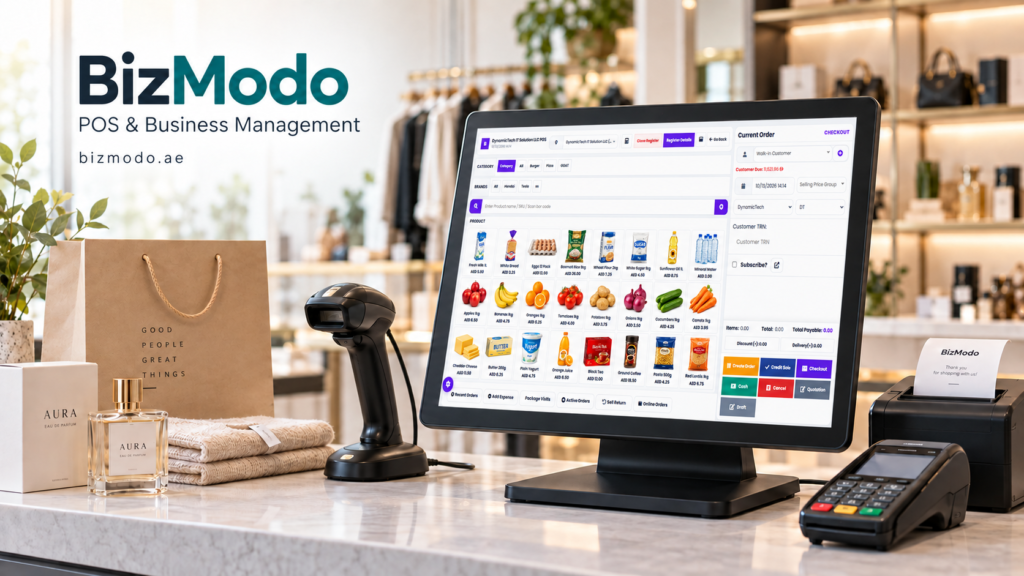
For practices exploring Vet Clinic POS Software in the UAE, BizModo’s pet business and veterinary clinic offering describes barcode-based product management, customer records, service billing, clinic scheduling, and stock transfers. Its published page also lists role-based access, bilingual billing, and accounting-related features.
These capabilities provide a starting point for a clinic-specific demonstration. Bring a sample visit that includes a service, a product, an invoice correction, and a payment adjustment.
Ask BizModo to show how the proposed configuration handles patient links, clinical-system connections, medicine batches, expiry tracking, and deposits. Confirm the availability and cost of each required function before choosing a package.
Introduce the Process in a Manageable Pilot
Start with a small, representative set of appointments and products. Clean the customer list, remove duplicate item records, verify opening quantities, and agree on staff responsibilities.
Train reception and the veterinary team on the handover as well as the screens. Both groups need to understand when a visit is ready for billing and how corrections are communicated.
At the end of the pilot, compare invoices, payments, and stock movements with the underlying activity. Investigate differences before expanding the rollout.
Choosing Vet Clinic POS Software in the UAE is ultimately a workflow decision. A useful system gives staff a dependable way to record what happened and helps managers resolve gaps while the details are still fresh.
To assess the fit for your practice, contact BizModo with your current billing process, inventory requirements, and existing clinical software, then request a demonstration built around an actual clinic visit.