sage 500 erp cloud hosting solutions
Manufacturers, distributors, and accounting firms across the United States are re-evaluating how they run Sage 500. For years, the software sat on an in-house server, accessible only to people sitting at an office desk. That setup made sense when teams worked from one building, and IT budgets went toward physical hardware. It makes far less sense now, when staff split time between home and the office, clients expect faster answers, and a single server failure can stall production, payroll, and reporting all at once.
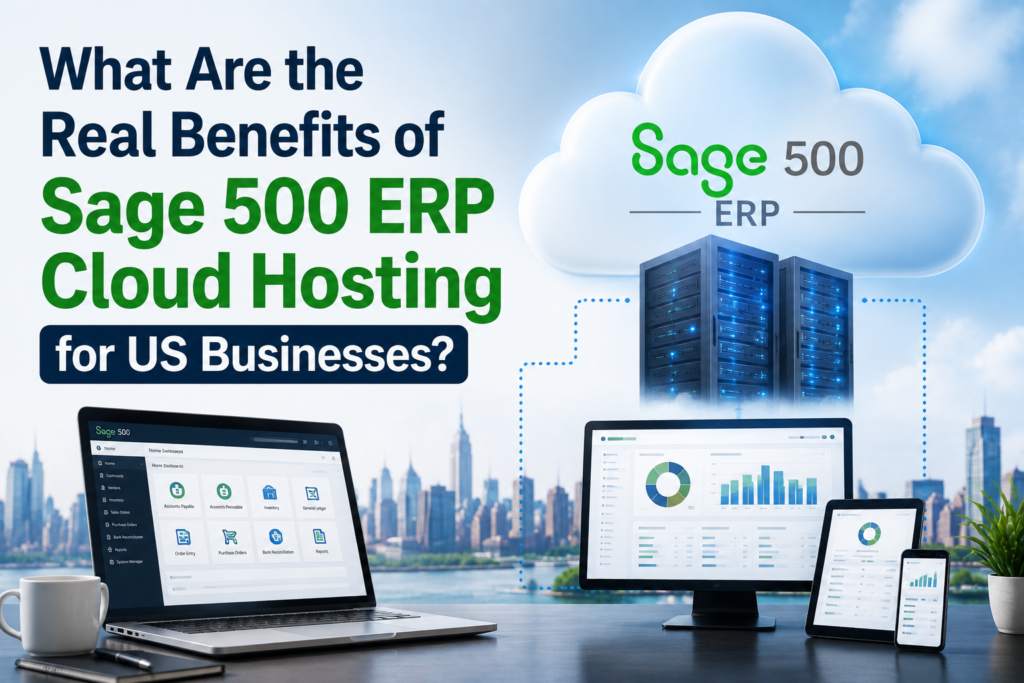
That’s why so many businesses are exploring Sage 500 ERP cloud hosting solutions this year. Moving Sage 500 to a hosted cloud environment doesn’t change the software itself. You keep the same modules for financials, inventory, manufacturing, and purchasing that you already rely on. What changes is where that software runs and how your team reaches it. Instead of connecting to one physical machine in a back office, users log into a secure cloud desktop from wherever they happen to be working.
This article breaks down what businesses actually gain from making that move, not just the marketing claims, but the practical, day-to-day advantages that show up once a company switches.
Remote Access Without Losing the Desktop Experience
The most immediate benefit is access. A hosted Sage 500 environment lets employees log in from a laptop, tablet, or home computer and see the same interface they’d get sitting at an office desk. Nothing about the software changes. Reports run the same way, modules behave the same way, and the learning curve for existing staff is close to zero.
This matters more than it might seem at first. A purchasing manager working from a supplier’s warehouse, a controller reviewing month-end numbers from home, and a plant manager checking inventory levels from the shop floor can all reach the same live data without waiting for someone to free up the office computer. Nobody has to remote into a single machine and hope nobody else is using it.
Real-Time Collaboration Across Departments
Sage 500 touches nearly every part of a mid-size business: financials, manufacturing, inventory, purchasing, and sales. When it runs on a hosted server, multiple departments can work in the system at the same time without file conflicts or version mismatches. A finance team closing the books and a warehouse team updating inventory counts can both be active in the system simultaneously, seeing the same numbers in real time.
This kind of collaboration used to require expensive on-site infrastructure or complicated VPN setups. Hosting removes that barrier by putting the entire system on a server built to handle multiple concurrent users from the start.
Lower Hardware and IT Overhead
Running Sage 500 locally means owning and maintaining the server it sits on. That includes buying hardware, patching software, monitoring performance, and eventually replacing equipment as it ages. For a small IT team, or a business with no dedicated IT staff at all, that’s a significant ongoing cost and time commitment.
A hosted provider takes that responsibility off your plate. The server, its maintenance, and its security updates become the provider’s job, not yours. Businesses that switch typically see their internal IT workload shrink, freeing staff to focus on tasks that actually move the business forward instead of babysitting a server rack.
Built-In Backups and Disaster Recovery
A local server failure is one of the most disruptive events a business can face. If Sage 500 lives on a single in-house machine and that machine fails, production schedules, financial reporting, and payroll can all grind to a halt until the system is restored, if it can be restored at all.
Hosted environments build backups into the service by default. Providers such as Apps4Rent run daily incremental backups on their servers, so a hardware failure, accidental deletion, or data corruption issue doesn’t turn into a lost week of work. That kind of protection is difficult and expensive for a mid-size business to replicate with its own equipment, but it’s a standard part of most hosting plans.
Stronger Security Than Most In-House Setups
Security expectations have risen sharply for any business handling financial or operational data. Encryption, firewalls, access controls, and monitoring are no longer optional extras. They’re baseline requirements, especially for manufacturers and distributors working with larger clients who expect their vendors to meet real security standards.
Hosting providers build these protections directly into their infrastructure. Apps4Rent, for example, hosts Sage 500 environments in SOC 2 Type II and SSAE-certified data centers, the same standard many banks and financial institutions require from their own vendors. Replicating that level of security in-house would mean significant investment most mid-size businesses can’t easily justify. Hosting spreads that cost across many customers, which makes bank-grade protection realistic for a company that would otherwise have to build it from scratch.
Flexibility to Scale Without Overbuying
On-premise systems are typically sized for peak demand, which means businesses often pay for computing power they don’t use most of the year. Hosted plans work differently. Most providers let businesses add or reduce users, storage, and processing power as needs change, whether that’s a seasonal spike in manufacturing output or a new department coming online.
This flexibility matters for growing businesses in particular. A company that needs two users today but expects to add five more next year doesn’t have to buy server capacity for a scenario that hasn’t happened yet. Hosted plans scale with the business instead of forcing an upfront guess.
A Practical Answer to Sage 500’s Long-Term Support Questions
Sage hasn’t set a firm end-of-life date for Sage 500, but it typically supports only the most recent versions, and older releases lose updates over time. That uncertainty has pushed some businesses to start planning ahead rather than waiting for a forced migration. Hosting doesn’t extend Sage’s own support window, but it does keep a business’s current Sage 500 environment running securely, backed up, and accessible while leadership decides on a longer-term ERP strategy. For many companies, that breathing room is worth more than rushing into a new system before they’re ready.
The Bottom Line
The real value of Sage 500 ERP cloud hosting isn’t a single feature. It’s the combination of remote access, shared collaboration, lower IT burden, stronger security, and built-in disaster recovery working together. For US manufacturers, distributors, and accounting firms managing distributed teams and rising client expectations, hosting turns Sage 500 from a system tied to one building into a tool the whole business can rely on from anywhere.
Frequently Asked Questions
Does Sage 500 work the same way when it’s hosted in the cloud?
Yes. Hosting runs Sage 500 on a remote server instead of a local machine, but the interface, modules, and functionality stay the same. Users log in and work exactly as they would on a physical office desktop.
Do I need a new Sage 500 license to use cloud hosting?
No. Most hosting providers let you bring your existing Sage 500 license and install it on the hosted environment. You’re not paying twice for software you already own.
Is cloud-hosted Sage 500 secure enough for financial and manufacturing data?
Reputable providers host Sage 500 in certified data centers with encryption, firewalls, and daily backups, often exceeding what an in-house server can offer. It’s worth confirming a provider’s specific certifications, such as SOC 2 Type II, before signing up.
Can multiple departments use Sage 500 at the same time when it’s hosted?
Yes, as long as the hosting plan and Sage licenses support multi-user access. Finance, purchasing, and manufacturing teams can all work in the system simultaneously without file conflicts.